Mailroom Workflow for Students: A Clear Explanation
Discover what mailroom workflow means for students. Learn how it reduces lost packages and speeds up pickups in student housing environments.
Published
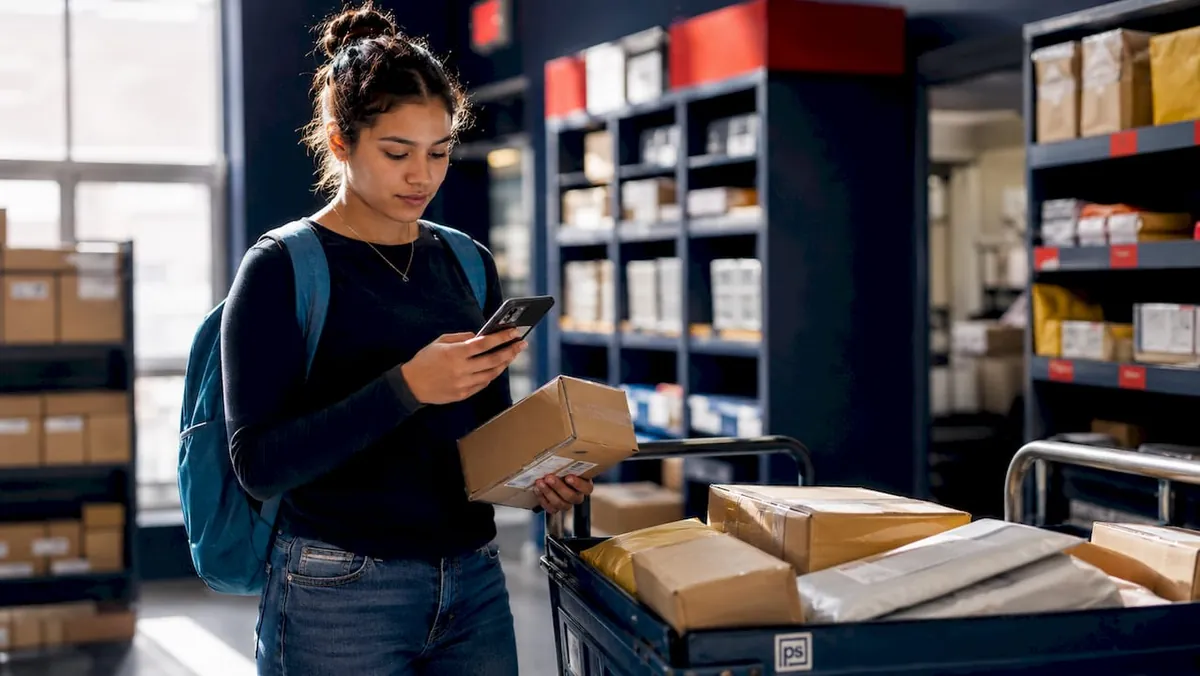
Mailroom workflow is defined as the end-to-end process of receiving, logging, storing, notifying, and distributing mail and packages within a student housing or campus environment. Understanding what mailroom workflow means for students is the first step toward fewer lost packages, faster pickups, and less frustration for everyone involved. This process combines automated scanning systems with clear staff procedures to move every parcel from the loading dock to the right student’s hands. Postal Solutions has worked with student housing communities across the country and sees the same breakdowns repeat when this workflow is poorly defined.
What does mailroom workflow mean for students?
Mailroom workflow is the structured sequence of steps that every piece of mail or package follows from the moment a carrier drops it off to the moment a student picks it up. The industry term for this process is parcel management workflow, and it applies equally to on-campus residence halls and off-campus student apartment communities. Both terms describe the same core idea: a repeatable, documented process that keeps packages moving without errors or delays.
The workflow exists because student housing generates an unusually high volume of deliveries. Students order textbooks, clothing, electronics, and groceries online, often all at once. Without a defined process, packages pile up, get misplaced, and create daily headaches for leasing staff who were never hired to run a logistics operation.
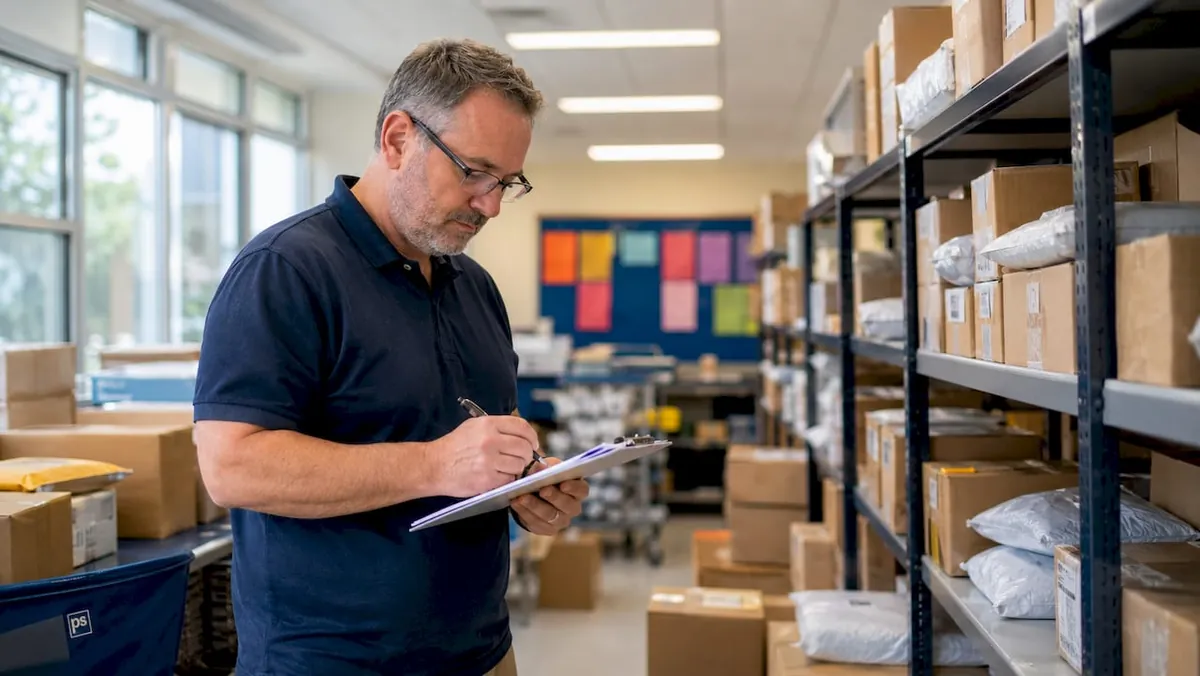
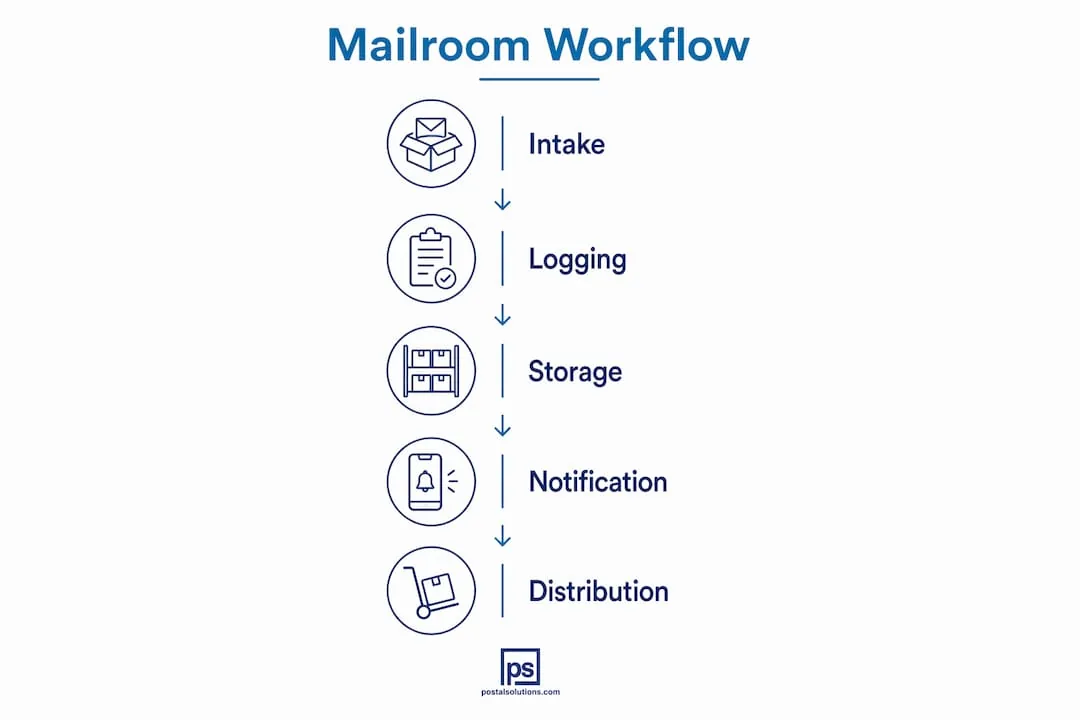
A well-designed student mailroom workflow covers five core functions: intake, logging, storage, notification, and verified pickup. Each function depends on the one before it. Skip a step, and the entire chain breaks down.
What are the typical steps in a student mailroom workflow?
The standard process follows a clear sequence. Each step builds on the last, and gaps between steps are where most errors occur.
-
Carrier delivery to the intake area. Carriers from USPS, UPS, FedEx, and Amazon drop packages at a designated receiving point. Staff or a managed service accepts the delivery and moves packages into the processing area.
-
Logging into a management system. Each package gets scanned and recorded. Automated barcode scanning processes parcels in seconds, while manual logging takes significantly longer and introduces more room for error. The log captures the student’s name, unit number, carrier, and date.
-
Secure storage by unit assignment. Packages are sorted and placed in a designated area by apartment or room number. This step is where unit numbers get written or highlighted on the label. Without this step, retrieval becomes a guessing game.
-
Instant notification to the student. Once logged, the system sends an automated email or text to the student. In communities with smart lockers, access codes go out immediately, enabling pickup at any hour.
-
Verified student pickup. The student presents a student ID, QR code, or unique access code to retrieve the package. Staff or the locker system confirms the match before releasing the parcel.
Pro Tip: Always ship packages using your full legal name exactly as it appears in your housing agreement. Packages addressed with nicknames or incomplete names are frequently returned to the sender because staff cannot match them to a resident record.
How does technology simplify mailroom workflows for students?
Technology removes the two biggest failure points in any mailroom: manual data entry and delayed communication. When staff log packages by hand, errors accumulate. When notifications go out slowly, packages sit unclaimed and storage fills up.
Here is what modern technology adds to each stage of the workflow:
- Barcode and QR scanning at intake eliminates handwritten logs and creates a digital record instantly.
- Automated notifications via SMS or email alert students the moment a package is logged, reducing the time parcels sit in storage.
- Smart lockers, such as Luxer One systems sold and installed by Postal Solutions, allow 24/7 self-service pickup without requiring staff to be present.
- Digital mailroom portals using OCR technology scan and upload physical mail documents directly to a secure online portal, eliminating physical mailbox congestion entirely.
- Package room software tracks every item from intake to pickup, giving staff a real-time view of what is in the room and what has been sitting too long.
Digital mailroom solutions reduce staff workload by automating sorting and distribution tasks. That freed-up time lets leasing staff focus on resident services rather than package inquiries.
| Workflow method | Notification speed | Error rate | Staff time required |
|---|---|---|---|
| Fully manual | Hours to days | High | Very high |
| Partially automated | Minutes to hours | Moderate | Moderate |
| Fully automated with smart lockers | Seconds to minutes | Low | Low |
Pro Tip: If your housing community uses package room software, ask the management office for the resident portal login. Many students never activate their accounts and miss notifications as a result.
Automated workflows are not optional as online ordering volumes continue to rise. Without them, staff spend excessive time on manual tasks, and the entire operation slows down.
What challenges do students and staff face in mailroom management?
Even well-designed workflows run into problems. The most common issues are predictable, and most have direct solutions.
-
Improper addressing. Packages not addressed properly are often returned to the sender because staff cannot match them to a resident record. Students must use their full registered name and exact unit number on every shipment.
-
Missing unit numbers on labels. Carriers rarely write apartment numbers on boxes. When staff skip the step of marking unit numbers at intake, packages get lost inside the package room itself.
-
Smart locker overflow. Smart lockers ease workflow pressure through self-service retrieval, but they fill up fast during peak periods like move-in week or the holiday season. Staff must manage overflow by routing oversized or excess packages to a dedicated package room.
-
Communication gaps. Students who do not receive notifications, or who ignore them, leave packages sitting for days. Unclaimed packages block storage space and create a backlog that slows down the entire workflow.
-
Ghost packages. A ghost package is one that appears in the system as received but cannot be located physically. Daily manual audits reconcile physical stock with system records and catch these discrepancies before they become complaints.
-
Staff workload spikes. Move-in periods and the weeks before winter break generate package volumes that overwhelm standard staffing. Properties without a managed service or overflow plan see the longest delays during these windows.
The fix for most of these problems is the same: a documented process, a reliable notification system, and a daily human check to verify that what the system says matches what is actually on the shelf.
Why is a well-organized mailroom workflow essential for student housing?
A reliable mailroom workflow does more than move packages. It directly affects student satisfaction, staff productivity, and the financial performance of the property.
Students who receive packages quickly and without hassle are more likely to renew their leases. Students who wait days for a package, or who lose one entirely, remember that experience when it is time to decide whether to stay. Package management is a visible, daily touchpoint that shapes how students feel about where they live.
Efficient mailroom workflows reduce staff time spent answering package inquiries, freeing teams to focus on other resident services. Automation decreases time lost to manual tracking by a measurable margin. That time savings translates directly into lower operational costs.
| Operational area | Impact of poor workflow | Impact of strong workflow |
|---|---|---|
| Package loss rate | High | Low |
| Staff inquiry volume | High | Low |
| Student satisfaction | Reduced | Improved |
| Lease renewal likelihood | Lower | Higher |
| Storage congestion | Frequent | Rare |
Properties that treat mailroom operations as a secondary concern pay for it twice: once in staff payroll spent on package-related tasks, and again in the productivity lost to those tasks. A well-managed package room removes both costs at once.
Key Takeaways
A defined mailroom workflow is the single most effective way to reduce package loss, cut staff workload, and improve student satisfaction in any student housing community.
| Point | Details |
|---|---|
| Workflow definition | Mailroom workflow covers intake, logging, storage, notification, and verified pickup in sequence. |
| Technology impact | Automated scanning and smart lockers reduce errors and speed up student notifications significantly. |
| Addressing accuracy | Students must use their full legal name and exact unit number to prevent returns and delays. |
| Human oversight | Daily audits are required to catch ghost packages and keep physical stock aligned with system records. |
| Operational ROI | Strong workflows reduce staff inquiry time and support higher lease renewal rates in student housing. |
The part most properties get wrong
After working with student housing communities across more than 40% of U.S. states, Postal Solutions has seen one pattern repeat more than any other: properties invest in technology and then assume the work is done. They install a smart locker system, set up automated notifications, and step back. Within a few weeks, the locker fills up, overflow packages pile up in a corner with no unit numbers marked, and students start calling the leasing office again.
Mailroom workflow success depends not just on technology, but on the organizational culture and clear processes maintained by property management teams. Technology sets the ceiling. Process and culture determine whether you reach it.
The properties that run the best mailroom operations treat the package room like a managed service, not a storage closet. Someone visits daily, marks unit numbers, pulls unclaimed packages, and runs a weekly audit. That human layer is what keeps the automated system honest. Without it, the system drifts, errors accumulate, and students lose trust.
The biggest misconception is that mailroom work is simple and invisible. It is neither. Staff manage high volumes, competing carrier schedules, and student expectations simultaneously. The properties that acknowledge this complexity and build a real process around it are the ones that never have to apologize for a lost package.
How Postal Solutions supports student housing mailroom operations
Postal Solutions oversees package room operations for student housing communities across the country. As the largest Luxer One sales agency in the United States, with over 1,200 installations in more than 40% of U.S. states, Postal Solutions sells and installs Luxer One smart locker and package room systems for on-campus universities, off-campus student housing, and Public Private Partnerships. For communities that want a full-service approach, Postal Solutions offers a managed package program outsourcing, including six-day-per-week managed visits, unit number marking, and weekly audits. Learn more about student housing mailroom management and how a managed workflow reduces staff burden while improving the resident experience.
FAQ
What does mailroom workflow mean for students?
Mailroom workflow is the defined process of receiving, logging, storing, notifying, and distributing mail and packages in a student housing or campus setting. It combines automated systems and staff procedures to move every parcel accurately from intake to pickup.
Why do packages get lost in student mailrooms?
Packages most often get lost because they are addressed with a nickname or missing a unit number, making it impossible for staff to match them to a resident record. Daily audits and proper addressing at the time of ordering prevent most of these losses.
How do smart lockers fit into a student mailroom workflow?
Smart lockers handle standard-sized packages through self-service retrieval using a unique access code, but they require overflow management for oversized items. Successful workflows combine smart lockers with a dedicated package room for parcels that do not fit.
How can students speed up their package pickup?
Students should activate their resident portal account, confirm their notification settings, and always ship using their full legal name and exact unit number. Acting on pickup notifications within 24–48 hours keeps storage clear and reduces delays for everyone.
What is the difference between a manual and automated mailroom workflow?
A manual workflow relies on staff to hand-log, sort, and notify students, which is slower and more prone to error. An automated workflow uses barcode scanning, management software, and instant notifications to process packages faster and with greater accuracy.