The Best Way to Secure a Package Room With Keyless Entry
The Best Way to Secure a Package Room With Keyless Entry The fastest way to secure an apartment package room is a cloud-managed, credentialed door that issues time-limited carrier access and logs every entry. Skip the shared physical key, s
Published
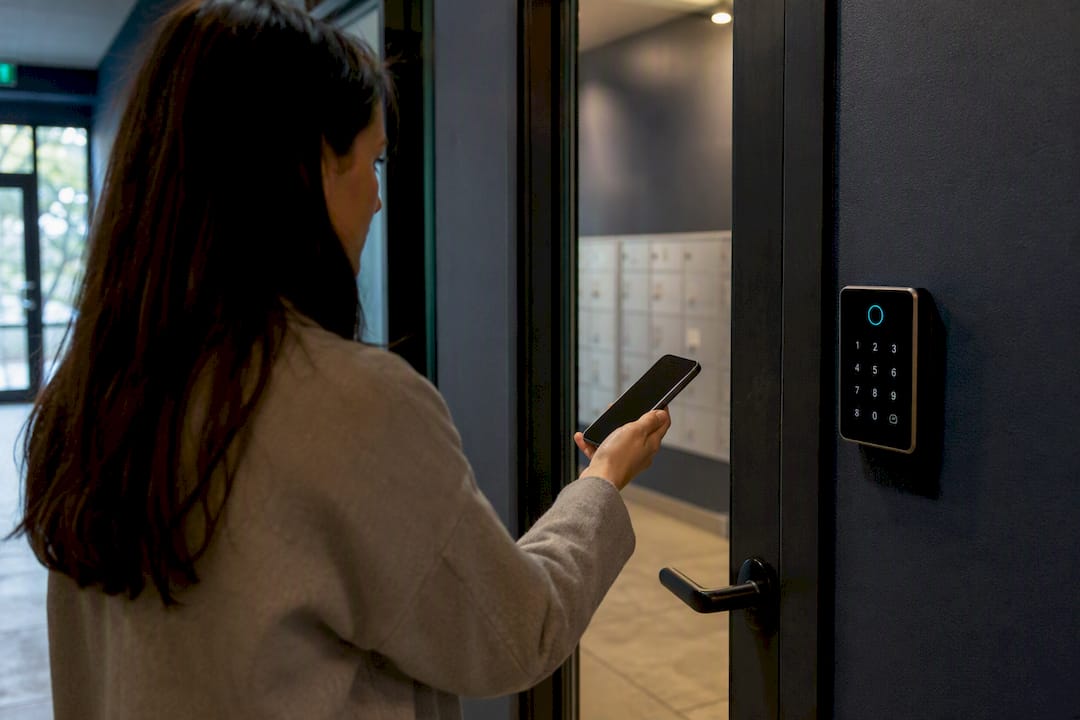
The fastest way to secure an apartment package room is a cloud-managed, credentialed door that issues time-limited carrier access and logs every entry. Skip the shared physical key, skip the single all-purpose code, and give every person who touches that door their own trackable credential.
This approach solves three problems at once:
- Security: theft drops when every entry is tied to a specific credential and timestamp, not a key that gets copied or lost.
- Resident convenience: residents get 24/7 access without waiting on office hours or a staff member to unlock a door.
- Staff time: property teams stop fielding “where’s my package” calls and spend less time babysitting a room that used to need constant supervision.
Bottom line: package rooms built around cloud-managed credentials, carrier PINs, access logs, and video audit trails outperform shared-key or single-code setups on every operational metric that matters to a property manager.
The rest of this guide covers the access methods available, the security controls you should require from any vendor, day-to-day operations, a full implementation checklist, and how to think about cost and ROI before you sign anything.
Key Takeaways
Cloud-managed credentialed access with time-limited carrier PINs, audit logs, and daily organizing consistently outperforms shared-key or single-code package rooms on security, resident satisfaction, and staff time.
| Point | Details |
|---|---|
| Choose credentials over shared keys | Cloud-managed mobile credentials and rotating carrier PINs let you revoke access instantly without rekeying doors. |
| Layer your security controls | Combine access logs, entrance and interior cameras, and carrier rotation rather than relying on one lock. |
| Audit on a schedule | Run daily shelf checks and weekly log reconciliation to catch missing packages before residents complain. |
| Budget for organizing labor, not just hardware | A keyless door without daily organizing still costs staff time in complaint handling and shelf sorting. |
| Consider a managed service for daily operations | Postal Solutions sells and installs Luxer One systems and offers daily organizing and weekly audits to keep a package room functional after installation. |
Table of Contents
- What Is Package Room Keyless Entry, and When Does It Beat Lockers?
- Which Access Methods Actually Work for a Package Room?
- What Security Controls Should Every Package Room Have?
- How Do You Run a Package Room Day to Day?
- What Does It Take to Implement a Keyless Package Room?
- What Does a Keyless Package Room Cost, and How Do You Measure ROI?
- How Postal Solutions Supports Keyless Package Room Operations
- What the Industry Gets Wrong About Package Room Security
- Get Keyless Package Room Access That Actually Stays Organized
- Sources
- FAQ
What Is Package Room Keyless Entry, and When Does It Beat Lockers?
Package room keyless entry replaces a physical key or shared code with a digital, revocable credential system controlling access to a dedicated storage room. Carriers drop packages of any size onto shelves inside; residents retrieve them on their own schedule using a mobile credential, a PIN, or a fob. Every entry gets logged, and administrators can cut off access to any single credential in seconds, without rekeying anything.
That last part is the real difference from a plain lock. A traditional package room secured with a key or a shared four-digit code has no way to know who actually walked in, and no way to shut out one person without changing the code for everyone. Digital room entry systems fix both problems by tying access to individual, trackable credentials.
How it differs from parcel lockers:
- Size flexibility: a package room holds oversized items (furniture boxes, pallets, bulk orders) that don’t fit in a locker compartment.
- Install cost: a room typically costs less to outfit than a full locker bank, since you’re securing one door rather than dozens of individual compartments.
- Retrieval model: lockers assign a specific compartment per delivery; a room relies on shelving, unit-number labeling, and staff or resident organization instead.
Both approaches use smart keyless access at the front end, but the operational reality inside is different. A locker system is self-sorting by design. A package room needs someone (staff, a managed service, or a diligent resident) to keep the shelves organized.
Decision checklist: is a package room the right call?
- Your delivery volume includes a meaningful share of oversized or bulk packages that won’t fit a locker.
- Your building layout has one central access point that’s easy to secure and monitor, rather than scattered mail closets.
- You want a lower upfront hardware cost and are willing to invest in organizing and audit labor (in-house or outsourced) to keep the room functional.
- Your resident population skews toward frequent, high-volume ordering (student housing, senior housing communities with grocery and pharmacy delivery, or large conventional multifamily properties).
If your volume is lower and space is tight, a locker system might fit better. If you’re dealing with big, awkward, or high-volume deliveries, a room almost always wins on cost per square foot of storage.
Which Access Methods Actually Work for a Package Room?
Not every credential type fits an unattended, high-traffic package room. Here’s how the main options stack up.
Mobile credentials turn a resident’s smartphone into the key. Cloud management means you grant or revoke access instantly, no rekeying, no waiting for a new fob to ship. The tradeoff is dependency on connectivity and phone battery, which is why most well-run rooms keep a backup method available.
Time-limited carrier PINs and carrier-specific mobile credentials solve the biggest liability in most package rooms: giving a carrier permanent access. Best practice is issuing carrier credentials that expire automatically after a delivery window and get reissued daily or weekly, so no ex-carrier or borrowed code stays active indefinitely.
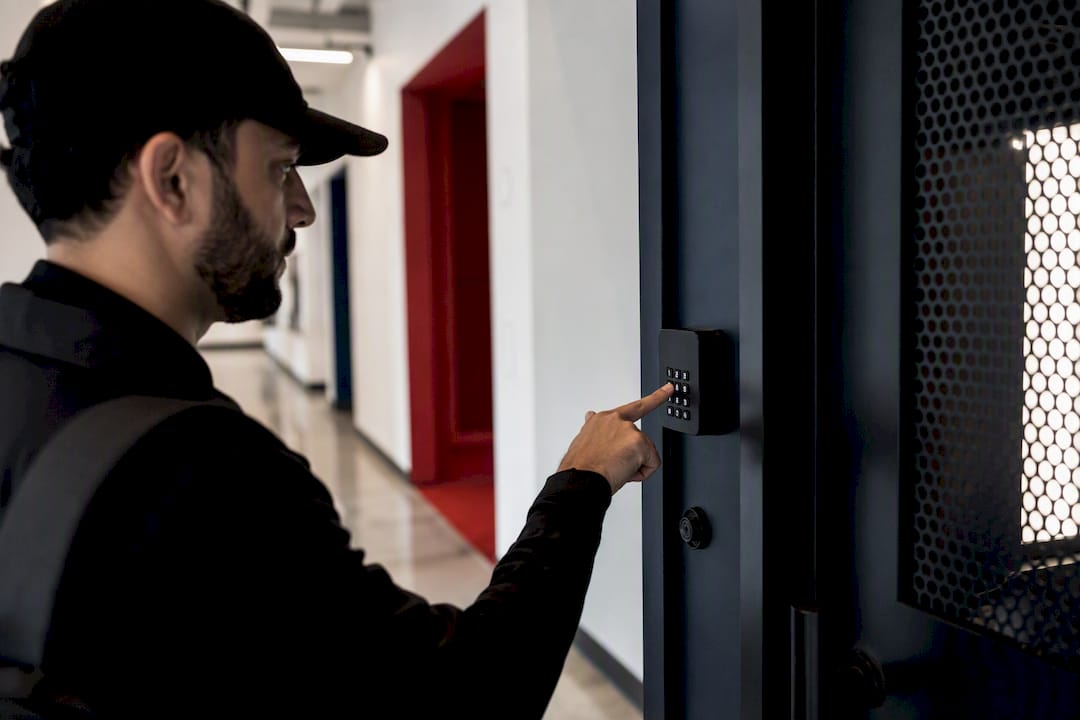
Key fobs and cards remain useful for legacy compatibility or residents who don’t carry a smartphone reliably. They’re trackable per-user, which beats a shared key, but they can be lost, lent out, or cloned more easily than a mobile credential.
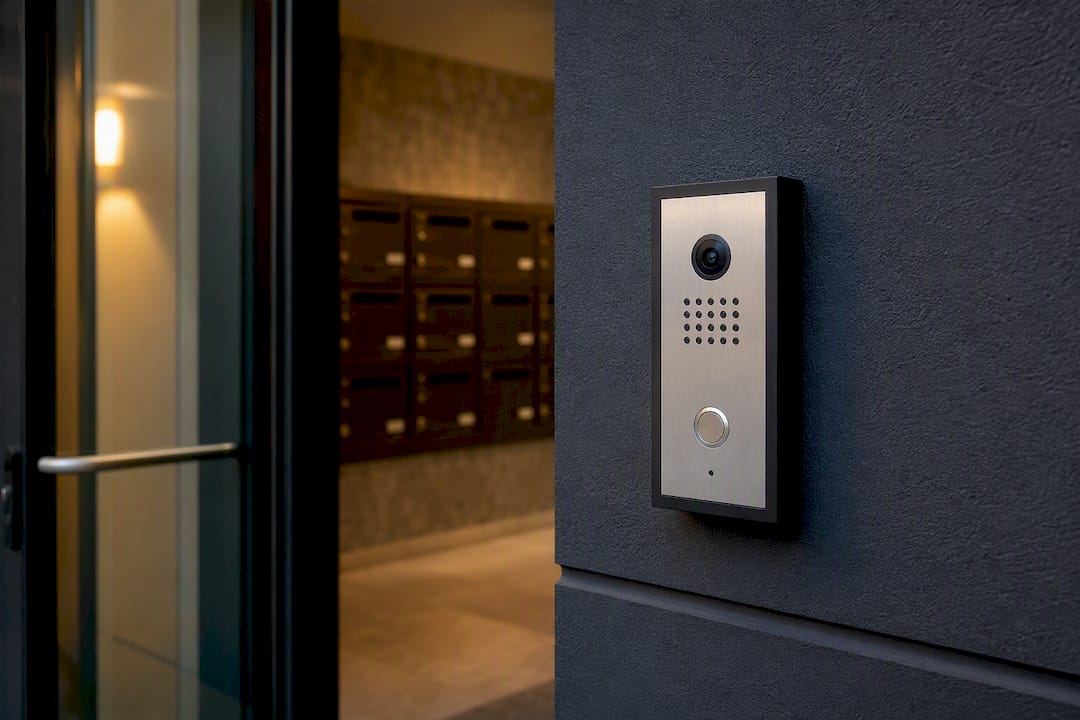
Video intercoms add a verification layer for one-off deliveries or visitors who don’t have a standing credential. Staff or a remote monitoring service can visually confirm identity before granting one-time access.
Biometric readers (fingerprint, facial recognition) show up in some property marketing, but they’re rarely the right primary credential for a package room. Privacy law exposure, accessibility concerns for residents who can’t or won’t enroll biometric data, and higher hardware cost make them a poor fit for a room that dozens of carriers and hundreds of residents need to use daily.
Pro Tip: The single biggest mistake property teams make is securing the package-room door with a smart credential system while leaving interior access, like a supply closet or the door to an adjoining hallway, on a shared physical key. Close every entry point in the room with the same cloud-managed credential system, or the digital lock on the front door does nothing.
Recommended combo: mobile credentials for residents, time-limited PINs or carrier-specific mobile credentials for delivery drivers, and an intercom as a fallback for one-time visitors or credential failures. That mix covers contactless door access for your regular users while keeping carrier exposure short and auditable.
What Security Controls Should Every Package Room Have?
A keyless door is only as secure as the controls wrapped around it. Before you sign off on any system, require these five things.
- Time-stamped access logs with export capability. Every entry, whether by resident, staff, or carrier, needs a record showing who, when, and which credential. You need to export that data on demand, not just view it in a vendor dashboard.
- Camera integration at the entrance and inside the room. Entrance footage confirms who opened the door; interior footage confirms what happened once they were inside. Set a retention policy as recommended and post required notices where local law requires them.
- Carrier compliance procedures. Require photo proof of delivery, credential every carrier individually rather than sharing one code, and rotate carrier access regularly rather than letting a single PIN run indefinitely.
- Immediate credential revocation. Lost phones, staff turnover, and resident move-outs all need same-day revocation. Cloud-managed systems handle this in seconds; anything that requires a physical rekey is a liability.
- Cloud security basics. Confirm encryption in transit and at rest, an uptime service level agreement you can actually read, and role-based data-access controls so only authorized staff can pull logs or footage.
This layered approach, locks plus logs plus cameras plus rotating carrier access, holds up better under scrutiny than any single control on its own. Broader security research on layered mitigation strategies backs this up: no single safeguard eliminates risk, but stacking independent controls closes the gaps any one of them would miss on its own. The same logic that governs credential lifecycle in software systems, granting access only for as long as it’s needed and revoking it the moment it isn’t, applies just as directly to a physical entry system securing a package room.
How Do You Run a Package Room Day to Day?
Good hardware doesn’t fix a disorganized room. Operations do.
- Onboard carriers properly. Issue each major carrier its own credential or rotating PIN, run a test delivery to confirm access works before go-live, and keep a current contact list for each carrier’s local dispatch or route supervisor.
- Automate resident notifications. The moment a package logs in the system, residents should get a text or app alert. Pair that with unit-number labeling on every box, so residents aren’t digging through shelves to find their own delivery.
- Run daily shelf audits. A quick walkthrough catches misdelivered packages, damaged boxes, and items that have sat too long. This is exactly where a managed package-room service earns its keep, since someone needs to physically show up and do this work every day.
- Reconcile weekly. Match the access system’s package logs against what’s physically on the shelf. Discrepancies show up fast when you audit weekly instead of monthly, and by then the missing package is much easier to trace back to a delivery date and carrier.
- Publish clear resident policy. State pickup timelines (packages held for a set number of days), what happens to unclaimed items, the property’s liability position, and exactly how a resident reports a missing package.
Pro Tip: Post one-line signage at the entrance stating pickup hours and how to report an issue. A single laminated sign at eye level cuts more “where’s my package” front-office calls than any app notification, because residents see it every time they walk in.
Pilot testing matters more than most property teams expect. Running test deliveries during both peak and off-peak windows before full rollout surfaces credential and workflow problems while the stakes are still low.
What Does It Take to Implement a Keyless Package Room?
Treat this as a phased project, not a weekend install.
Site survey checklist:
- Door type and frame material (determines electric strike vs. mag lock compatibility)
- Available power and network connectivity at the door location
- Camera sightlines covering both the entrance and interior shelving
- Shelving layout and available square footage
- ADA and accessibility requirements for door hardware and reach height
Hardware decisions:
- Electric strikes suit standard doors with lower security needs; magnetic locks offer higher holding force for higher-traffic entries.
- Reader types matter: Wiegand readers are common in legacy systems, while PoE (Power over Ethernet) readers simplify wiring and support easier remote management.
- Choose an intercom that integrates with your access platform rather than running as a separate system.
- Confirm backup power so the door doesn’t fail open or fail locked during an outage.
Software integrations: confirm the access-management platform connects with your package-management software and property management system, and that notification endpoints (text, email, app push) are configured before go-live.
Testing and rollout: pilot with your top two or three carriers, test credential expiration actually works as configured, then onboard residents in stages rather than all at once. A realistic timeline runs decision to procurement over several weeks, installation in one or two weeks, pilot testing following, then full rollout.
What Does a Keyless Package Room Cost, and How Do You Measure ROI?
Budget across four buckets: door hardware and readers, installation labor, ongoing connectivity, and camera equipment plus the software license that ties it all together. Vendors price these differently, so get itemized quotes rather than a bundled number you can’t audit.
The bigger financial question is staffing. A keyless system with no organizing labor behind it still leaves someone, usually a leasing agent pulled off their actual job, to sort shelves and field pickup complaints. That’s the trap: property teams often pay twice, once in payroll for staff distracted by package chaos, and once in lost productivity on the tasks that staff should have been doing instead. A managed package-room service that handles daily organizing and weekly audits converts that unpredictable labor drain into a fixed, accountable cost.
KPIs worth tracking:
- Packages processed per hour during peak delivery windows
- Resident complaint rate tied to package issues
- Theft or missing-package incidents per month
- Staff hours spent on package-related tasks per week
To build a rough ROI estimate, log current staff hours spent on package tasks per week, multiply by loaded hourly cost, then compare against the fixed cost of a managed service or the reduced hours once a self-service keyless system is running. Validate your own volume and current complaint rate before assuming savings; every property’s baseline looks different.
How Postal Solutions Supports Keyless Package Room Operations
Postal Solutions has extensive experience focused specifically on multifamily package management, and that focus shows up in the numbers: Luxer One systems sold and installed across many U.S. states, spanning student housing, conventional multifamily, senior housing, university partnerships, and large public private partnerships.
What that experience translates to on the ground:
- Sale and installation of Luxer One electronic package room and locker systems, including combo configurations for properties that need both.
- Daily package-room organizing: highlighting or handwriting unit numbers on packages, so residents find what’s theirs without digging through shelves.
- Weekly audits reconciling physical inventory against package-management software logs.
- An optional six-day-per-week managed visit program for properties that want a person on-site keeping the room current, not just a locked door.
- Integration support across most major package-management platforms already in use at a property, rather than requiring a rip-and-replace.
Client engagements typically start with a site assessment, move into hardware selection if a new system is needed, and settle into a recurring management cadence that matches delivery volume.
What the Industry Gets Wrong About Package Room Security
Most advice on this topic treats access control as a hardware decision: pick a good lock, install some cameras, done. That’s backwards. The credential system is the easy part. What actually determines whether a package room stays secure and organized six months after installation is whether someone is doing the daily work of auditing shelves, expiring old carrier codes, and matching logs to physical inventory.
The conventional wisdom also underrates how much theft and “missing” packages are really an organization problem wearing a security costume. A resident who can’t find their package in a messy room files a theft report. A property that runs weekly reconciliation catches the misplaced box before that report ever gets filed.
If you’re prioritizing anything first, prioritize the operational cadence, not the credential technology. A cloud-managed door with no daily oversight behind it is still a mess, just a digitally locked one.
— Postal Solutions
Get Keyless Package Room Access That Actually Stays Organized
Buying a smart lock solves half the problem. The other half, keeping shelves organized, packages labeled, and logs reconciled week after week, is where most properties quietly lose staff hours they never budgeted for. Postal Solutions sells and installs Luxer One electronic package room and locker systems, then backs that hardware with daily organizing and weekly audits so the room stays functional instead of becoming another staff headache. That combination, credentialed access plus a managed service behind it, is the difference between a system that works on install day and one that still works a year later.
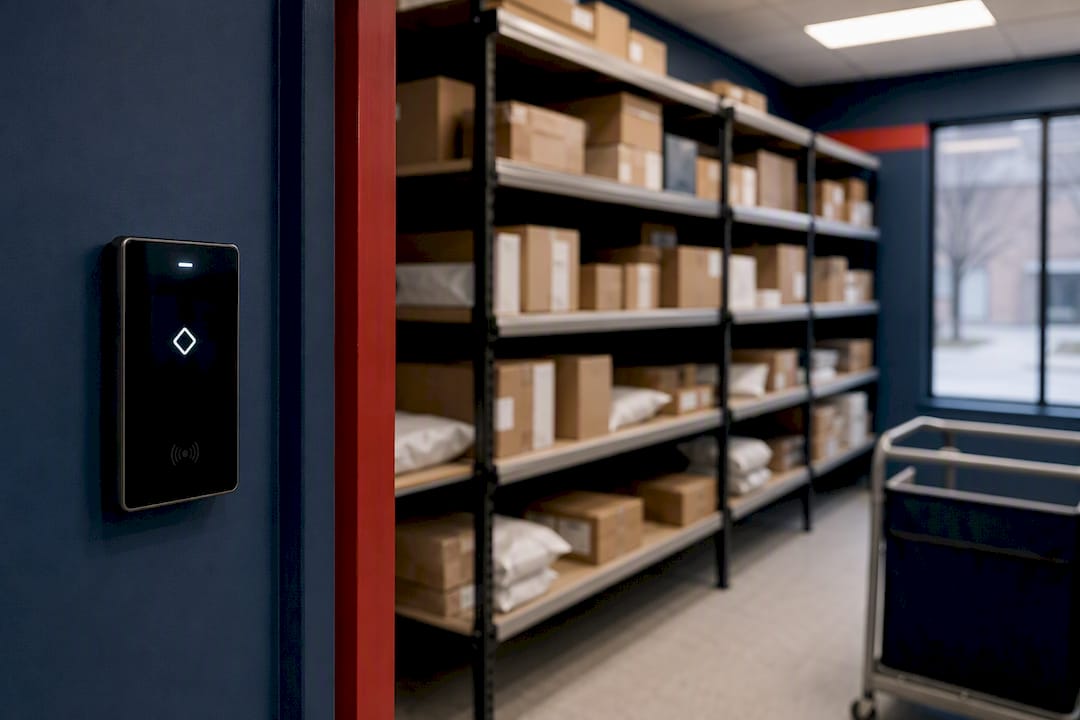
If your property is weighing a new package room or struggling with an existing one, start with a site assessment from Postal Solutions to see what a managed Luxer One deployment would look like for your building.
Sources
- How To Set Up A Package Room In 2026 | Swiftlane
- ENISA Technical Advisory for Secure Use of Package Managers
- Software supply chain: A taxonomy of attacks, mitigations and risk assessment
FAQ
What Is Keyless Entry in Apartments?
Keyless entry replaces physical keys with digital credentials, mobile app access, PIN codes, or fobs, that grant or revoke access without rekeying a lock. For package rooms specifically, it means every carrier and resident gets a trackable credential instead of sharing one key or code.
Why Won’t USPS Deliver to My Apartment Door?
USPS generally requires centralized delivery points, like mailboxes or a package room, rather than door-to-door delivery in multifamily buildings, which is why properties need a secure receiving area residents can access independently.
How Are Packages Delivered at Apartments?
Carriers drop packages at a designated point, a package room, locker bank, or mail area, and the property either notifies residents automatically through a credentialed system or relies on staff to sort and store items for later pickup.
What Is a Fob to Enter a Building?
A fob is a small physical credential, typically worn on a keychain, that residents tap or wave near a reader to unlock a door. It’s trackable per user, which makes it more secure than a shared key, though mobile credentials have largely replaced fobs in newer digital room entry systems because they’re easier to issue and revoke remotely.